

BehindCourt

Run open play from one desk.

Queue, score, and keep the lobby board live.

BehindCourt

Admin desk or player phone, same session.

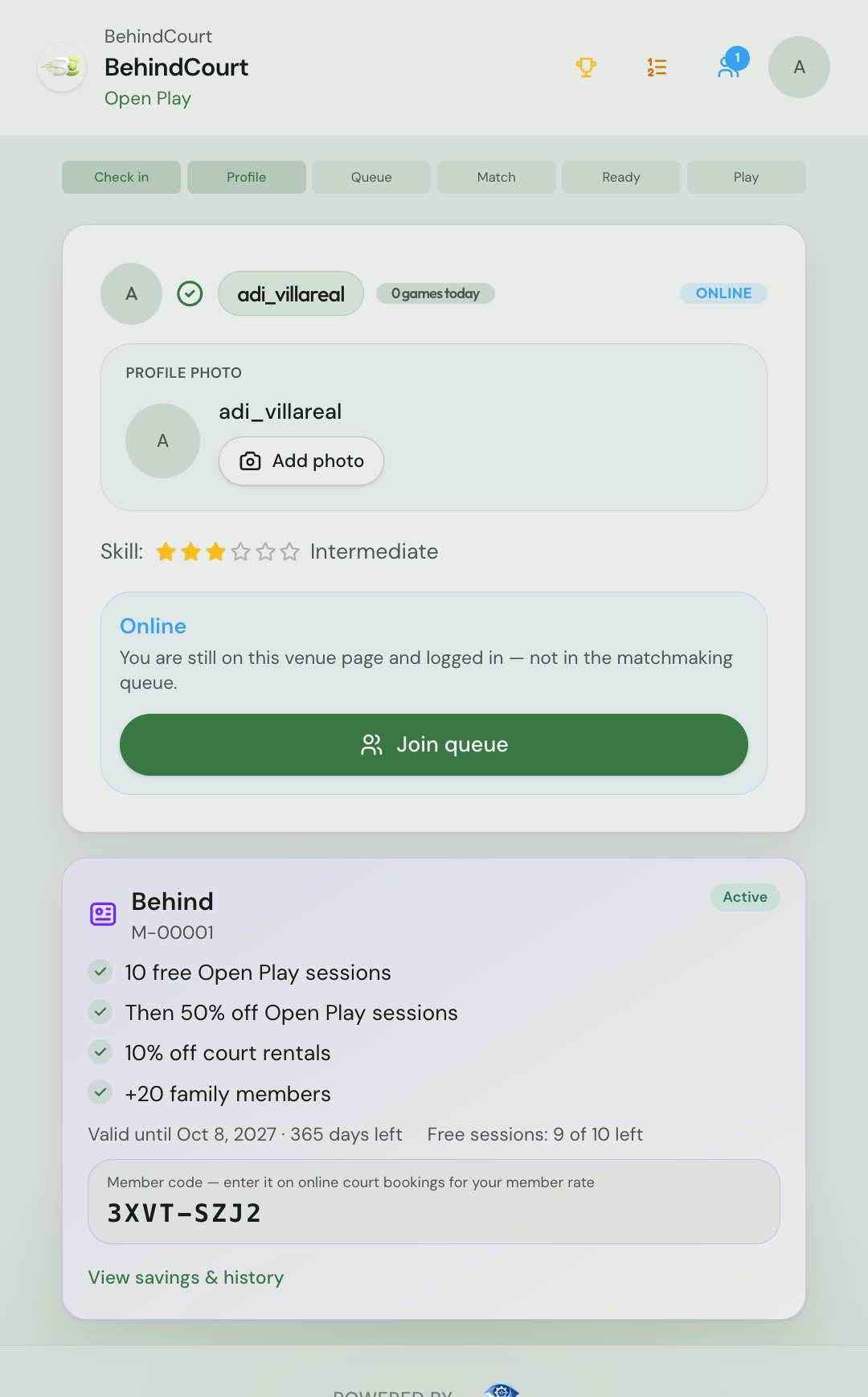
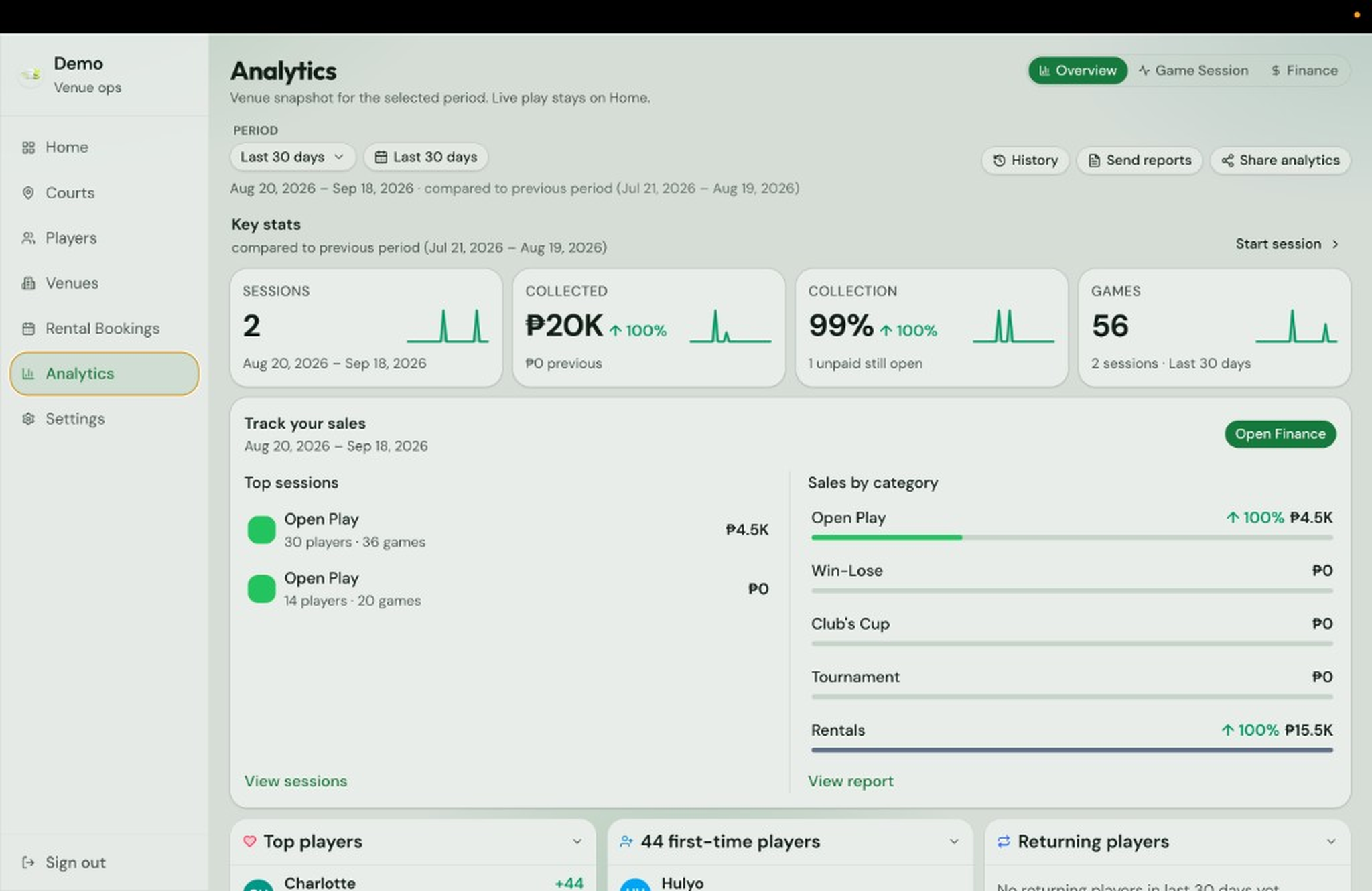
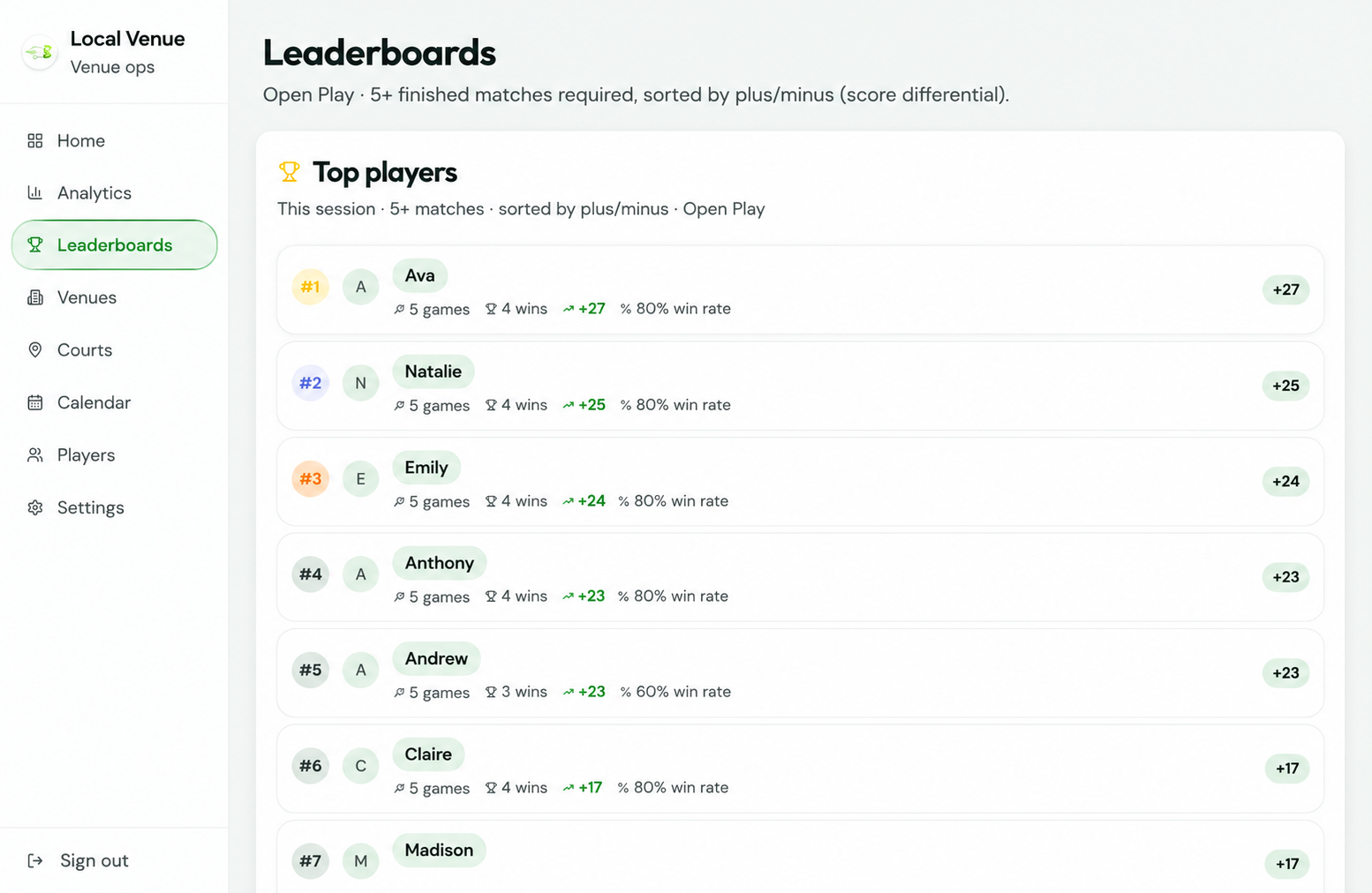
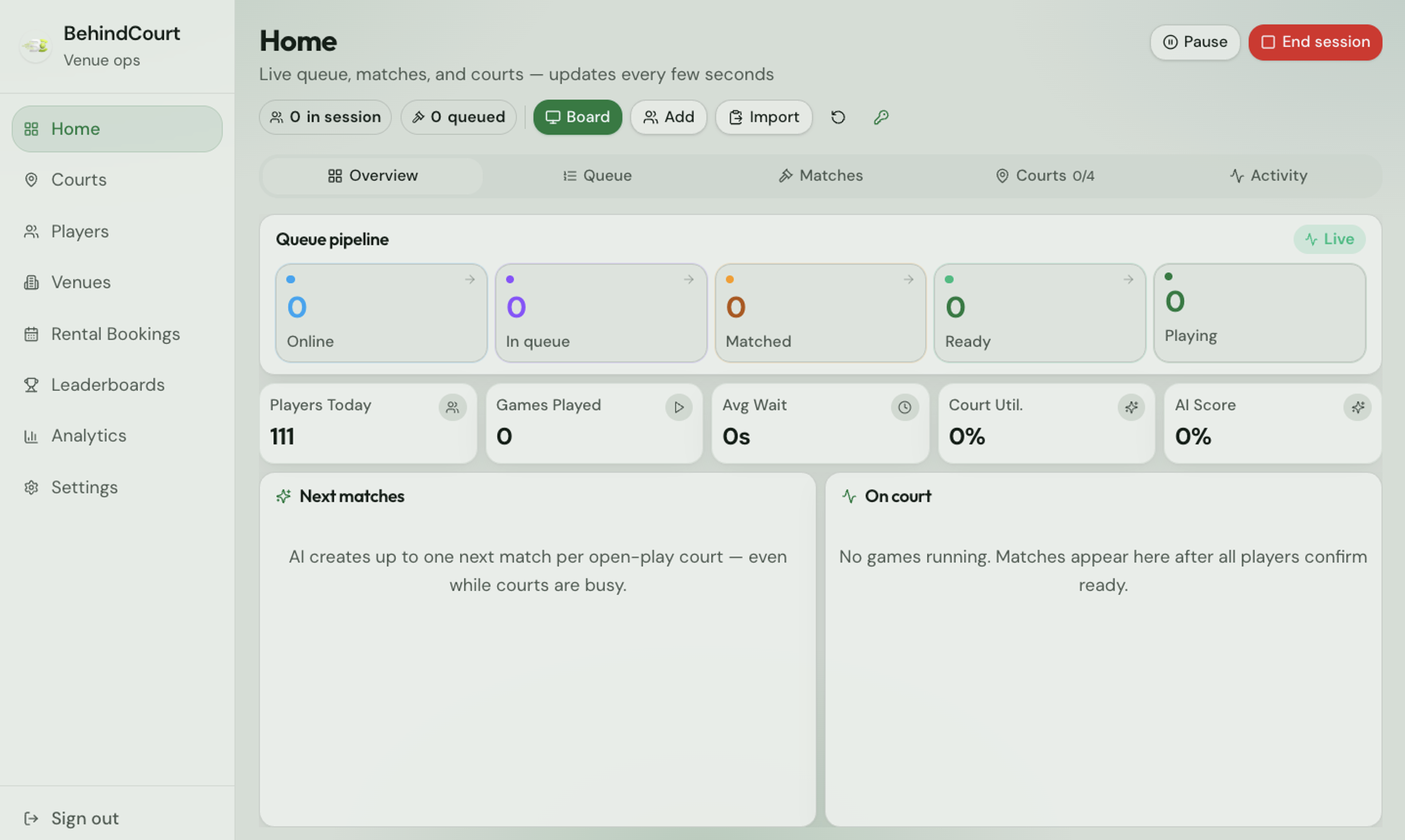
Switch Admin side and Player side. Tap through each step: short videos for staff, real screens for how players check in, queue, and get ready.

Step 1 of 5 · Starter

Choose the format, then start the session

How admins open a session for the day.

This is where the admin picks what format the floor will run (Open Play, Win-Lose, Club’s Cup, or Tournament), then starts the session. From here you can also open Board View for the lobby screen so courts and the queue stay visible in the room.

Calendar

Reserve courts when it’s a rental, not open play.

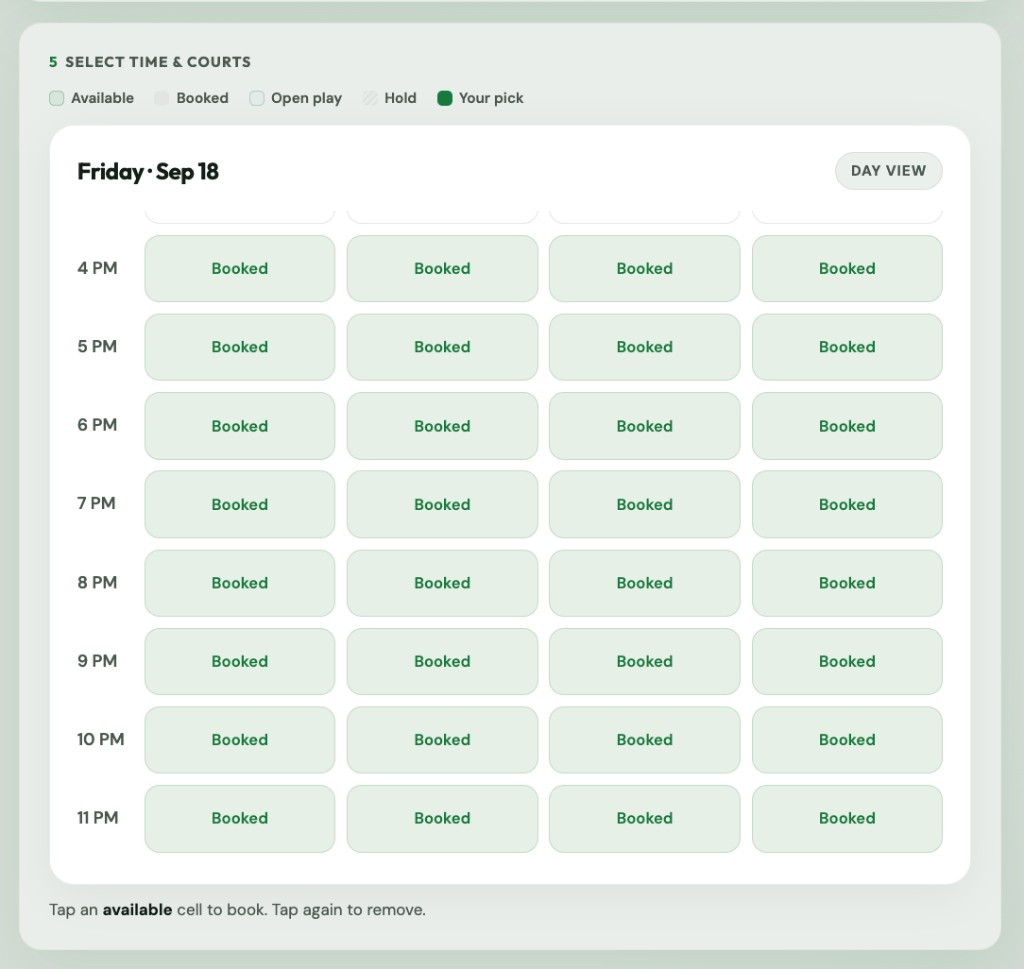
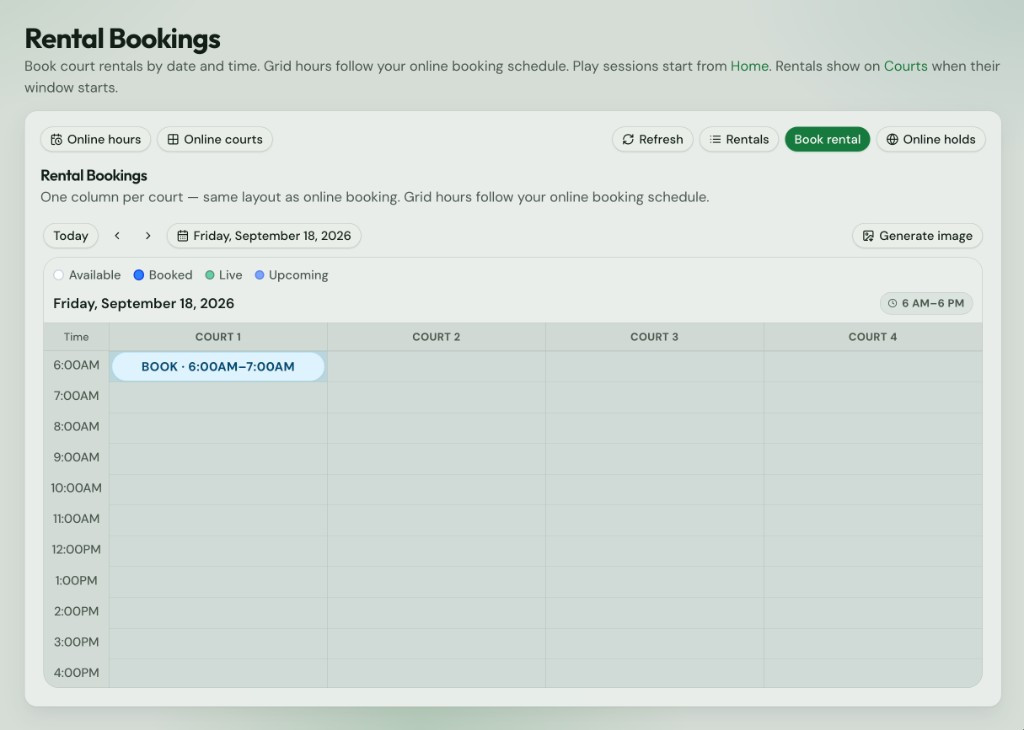
Book by day, week, or month. Name the booker, pick courts, set the window, and save. Hourly rate and total stay on the booking. Play sessions still start from Home; rentals show on Courts when their time begins.

  • Day, week, month

    Flip views, click a day for the timeline, or double-click a slot to book.

  • Courts + price

    Select which courts, set start and end, and see the total from your hourly rate.

  • Rentals list

    Open the day’s rentals to check payment status, edit the booking, or cancel.

Contact us

Get a quote for BehindCourt.

Tell us about your venue and how you run open play. We’ll reply with pricing and next steps.

Or email bthescences@gmail.com